Piso WiFi is one of the most accessible small businesses in the Philippines. The idea is simple: buy a machine, connect it to the internet, place it in a busy area and earn money every time someone inserts a coin or uses a voucher. Startup costs are low, maintenance is minimal and the business runs 24/7 without staff.
This guide walks you through everything from the initial investment to daily operations.
Investment Cost Breakdown
Use our Earnings Calculator below to estimate your monthly profit based on these costs.
Here is what you need to spend to get started:
| Item | Budget Option (PHP) | Premium Option (PHP) |
|---|---|---|
| Piso WiFi machine (vendo box) | 5,000 - 8,000 (DIY build) | 15,000 - 25,000 (branded unit) |
| Router | Included in machine or 1,500 | Included in machine |
| ISP installation fee | 0 - 2,500 | 0 - 2,500 |
| Monthly ISP plan | 1,299 - 1,699 | 2,499 - 3,999 |
| Electrical wiring/extension | 500 | 500 |
| Location rent or revenue share | 0 - 1,000/month | 0 - 2,000/month |
| Total startup | 8,000 - 14,000 | 20,000 - 35,000 |
The biggest ongoing cost is the monthly ISP bill. Everything else is a one-time expense.
Equipment You Need
1. Piso WiFi Machine
You have two paths. Build your own from parts (router, coin acceptor, controller board, metal box) or buy a pre-built unit from brands like LPB or ADOPiSoft. Pre-built units cost more but arrive tested and ready to plug in.
2. Internet Connection
Get a fiber plan from PLDT, Converge or Globe. Minimum 25 Mbps for a single machine in a low-traffic area. Go with 50 Mbps or higher for busy locations. Avoid plans with data caps - Piso WiFi eats through data fast.
3. Location
You need a spot with foot traffic, a power outlet and permission from the property owner. More on choosing locations below.
4. Basic Tools
A screwdriver, electrical tape, cable ties and a laptop or phone for admin access. That is all you need for setup and maintenance.
Best Locations for Piso WiFi
Location determines your income more than anything else. Target places where people wait, gather or live in close quarters.
High-traffic locations (PHP 5,000-10,000/month potential):
- Bus and jeepney terminals
- Near schools and universities
- Public markets
- Hospital waiting areas
Good locations (PHP 3,000-5,000/month):
- Sari-sari stores in residential areas
- Boarding houses and dormitories
- Laundry shops
- Barbershops and salons
Risky locations (unpredictable income):
- Areas with free public WiFi nearby
- Quiet barangays with few pedestrians
- Locations next to competing Piso WiFi machines
Talk to the store or property owner before installing. Offer a revenue split - 20-30% of gross earnings is the standard deal. Some owners prefer a flat monthly rent of PHP 500-1,000.
Pricing Strategy
The standard rate in most areas is PHP 1 for 15 minutes. Here are popular pricing models:
| Model | Rate | Best For |
|---|---|---|
| Time-based (standard) | PHP 1 = 15 min, PHP 5 = 1 hr | High-traffic public areas |
| Time-based (value) | PHP 1 = 20 min, PHP 5 = 2 hr | Competitive areas, student zones |
| Data-based | PHP 1 = 100 MB | Areas with heavy streamers |
| Voucher tiers | PHP 5/10/20/50 with speed tiers | Boarding houses, offices |
Start with the standard rate. Observe how many customers you get. If the machine is idle most of the time, lower prices. If there is always a queue, raise them. Once you have decided on your pricing, create a printable rate card to display on your machine.
Use the speed limiter to control bandwidth per user. This lets you serve more customers at once without complaints about slow connections.
ROI Calculation
Here is a realistic scenario for a PHP 15,000 investment:
Monthly income (average location):
- 80 coin insertions per day x PHP 3 average = PHP 240/day
- PHP 240 x 30 days = PHP 7,200/month gross
Monthly expenses:
- ISP plan: PHP 1,699
- Electricity: PHP 300-500
- Location rent/share: PHP 1,000
- Total expenses: PHP 3,000-3,200
Monthly profit: PHP 4,000-4,200
Break-even: 3-4 months
High-traffic locations can double these numbers. A machine near a school entrance or terminal may earn PHP 400-500/day. Low-traffic areas might only pull PHP 100-150/day.
Piso WiFi Earnings Calculator
How much can your machine actually earn? Enter your numbers and see the result instantly.
Legal Requirements
Piso WiFi is a business. The Philippine government expects you to register it.
Minimum requirements:
- Barangay clearance - get this from your local barangay hall. Costs PHP 100-500.
- Business permit - apply at the municipal or city hall. Costs vary by location.
- BIR registration - register with the Bureau of Internal Revenue for tax purposes.
Many micro-operators skip these steps because enforcement is rare for small Piso WiFi setups. However, getting registered protects you from fines and gives you credibility. If you plan to scale beyond one machine, register properly from the start.
You do not need an NTC (National Telecommunications Commission) license. The NTC regulates telecom providers, not WiFi resellers using consumer ISP plans.
Tips from Experienced Operators
Start with one machine. Test your location before investing in a second unit. Some operators buy three machines at once, place them in bad locations and lose money.
Collect coins daily. Do not let coins pile up in the vendo box. Regular collection prevents theft and gives you accurate revenue data. Count and record everything.
Monitor remotely. Some Piso WiFi systems (ADOPiSoft, for example) offer remote monitoring via an app. You can check earnings, reboot the machine and manage users without visiting the location.
Keep the machine clean and visible. A dirty, hidden machine earns less. Place it where customers can see it. Add a sign that says "Piso WiFi Available Here."
Upgrade your ISP when demand grows. If your machine consistently has 15+ users, your 25 Mbps plan is not enough. Upgrade before customers start complaining about speed.
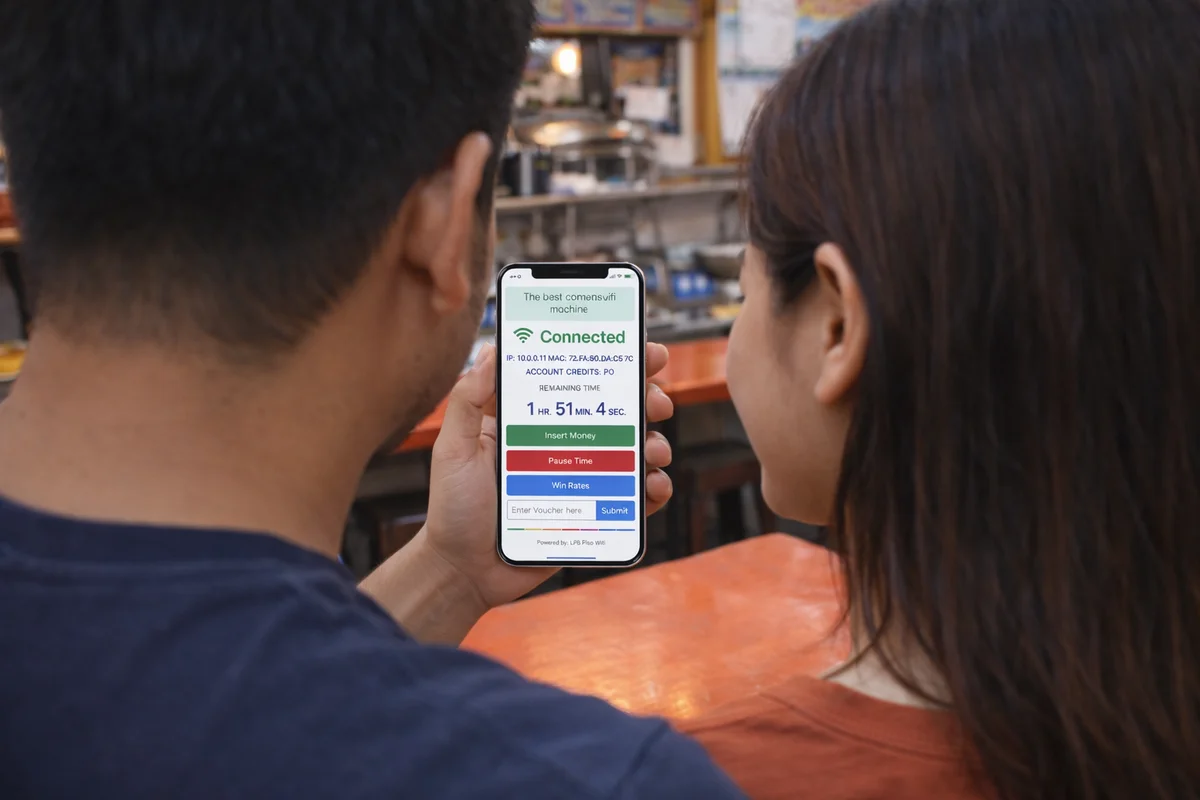
Enable Pause Time. Customers love it. They can pause their session and come back later. It builds loyalty and repeat use.
Offer vouchers alongside coins. Not everyone carries coins. A voucher system gives customers another way to pay, increasing your sales.
Free Piso WiFi Sign - Download and Print
Attract more customers to your Piso WiFi spot. Download our free "Piso WiFi Available Here" sign and hang it up where people can see it.
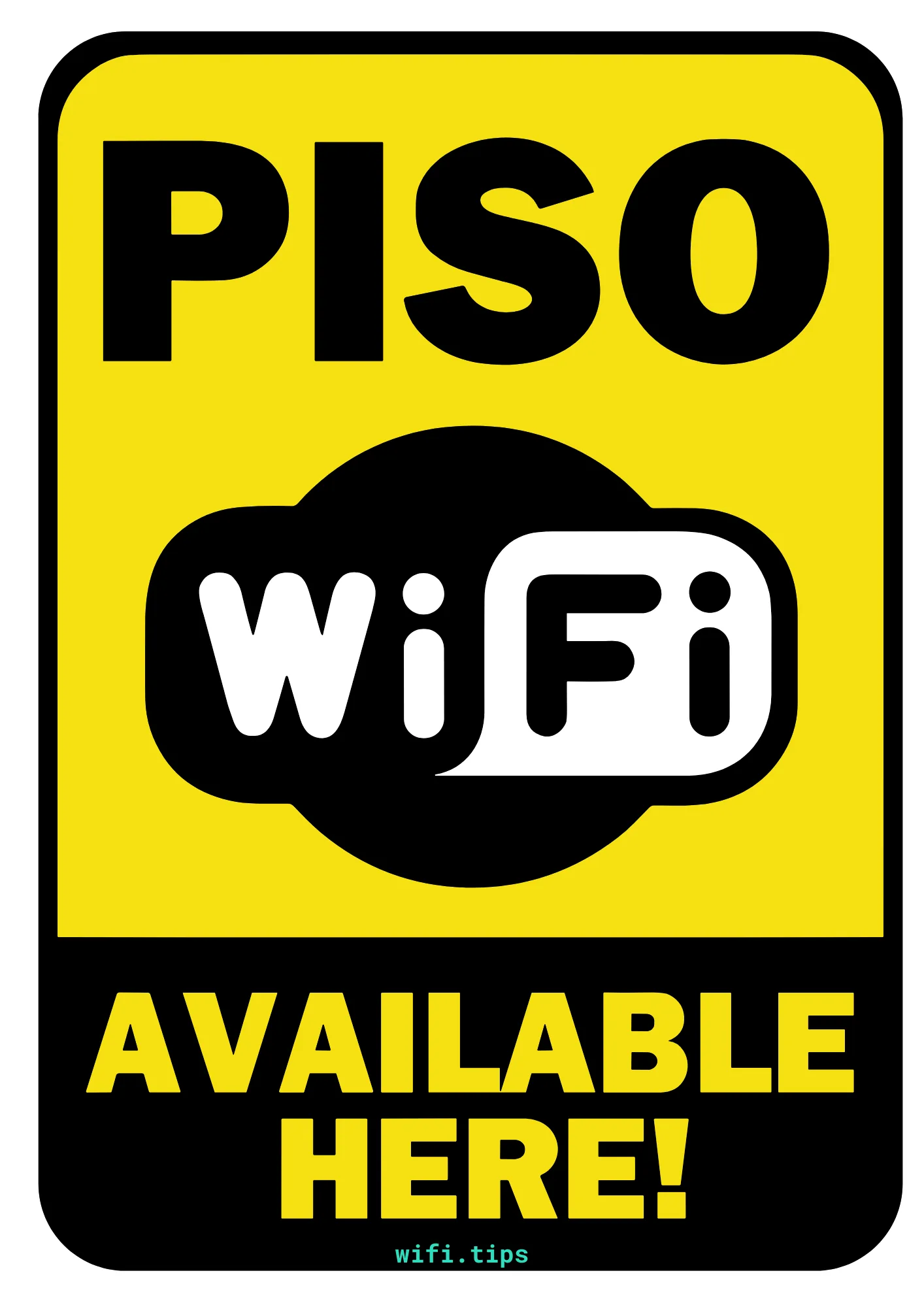
Ready to print and hang up in your shop or cafe
These signs are free to use. Print them, share them, put them up wherever you offer Piso WiFi.
Frequently Asked Questions
How much does it cost to start a Piso WiFi business?
PHP 10,000-30,000 depending on whether you build or buy the machine. The monthly ISP bill is the biggest recurring cost.How much can I earn?
PHP 3,000-10,000 per month per machine after expenses. Location is the biggest factor.Do I need a business permit?
A barangay clearance and business permit are recommended. Many small operators start without one, but registration protects you and is legally required.What ISP is best for Piso WiFi?
PLDT Fibr and Converge are the most popular. Get a plan with 35+ Mbps and no data cap.How long until I break even?
Most operators recover their investment in 2-4 months with a decent location.Related guides: Piso WiFi - Complete Guide | LPB Piso WiFi | 10.0.0.1 Admin Login