Piso WiFi is a coin-operated internet vending machine. You insert Philippine peso coins to buy a fixed amount of internet time. The machine broadcasts a WiFi signal, you connect, drop in your coins and start browsing.
To access your Piso WiFi admin panel, go to `http://10.0.0.0.1` or `http://10.0.0.1` in your browser while connected to the machine's network. Default login: `admin` / `admin`.
How Piso WiFi Works
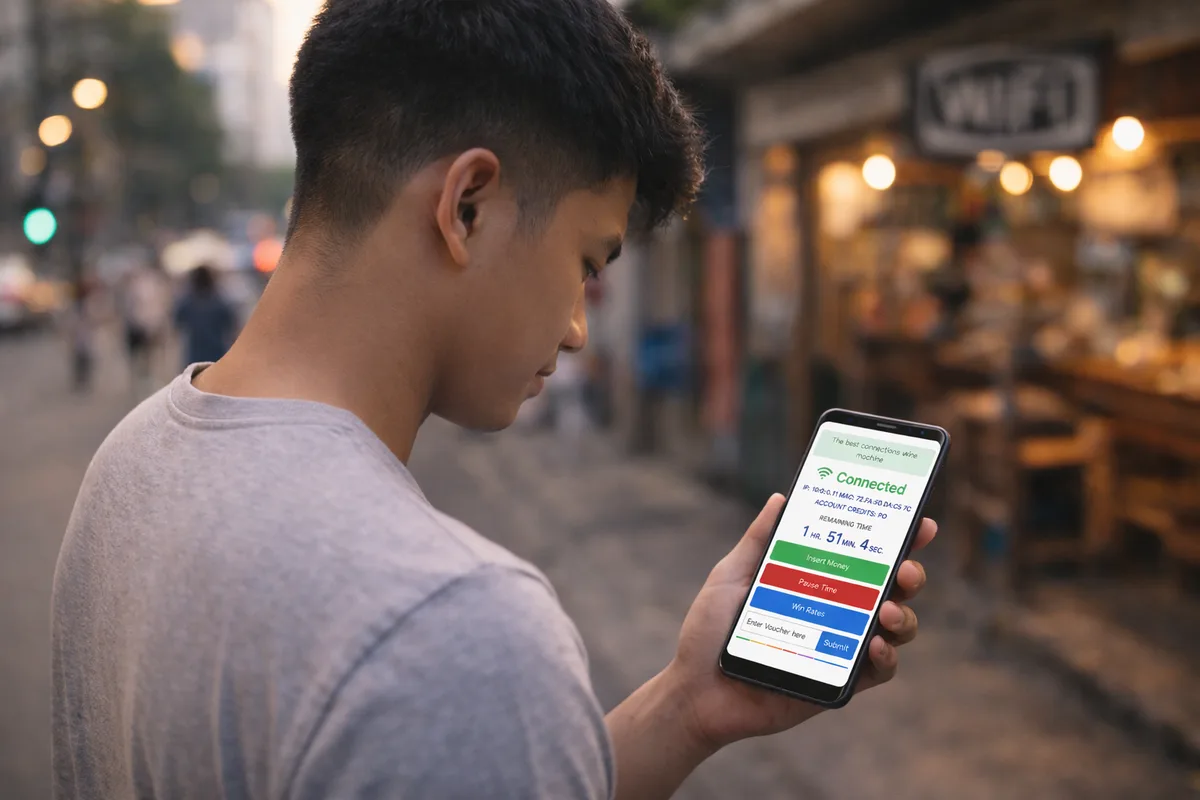
A small router with custom firmware runs inside each machine. When you insert a coin, the firmware gives you internet access for a set amount of time based on what you paid. Operators configure pricing, time limits and features like Pause Time through the admin panel.
Three major firmware platforms run on most machines in the Philippines: LPB Piso WiFi, Vendo WiFi and generic Chinese OEM firmware. Each has a slightly different admin interface, but the core setup is the same.
Peso-to-Time Calculator
How long can you surf? Enter your coins and rate.
Admin IP Addresses by Machine Type
| Machine / Brand | Admin IP | Default Login |
|---|---|---|
| LPB Piso WiFi (new) | 10.0.0.0.1 | admin / admin |
| LPB Piso WiFi (old) | 10.0.0.1 | admin / admin |
| Vendo WiFi | 10.0.0.0.1 | admin / admin |
| Generic OEM | 192.168.1.1 | admin / admin |
| Unknown | Check sticker | Check sticker |
How to Access the Piso WiFi Admin Panel
- Connect your phone or laptop to the Piso WiFi machine's WiFi network.
- Open Chrome, Firefox or Safari. Type `http://10.0.0.0.1` into the address bar - not the Google search box.
- If the page doesn't load, try `http://10.0.0.1` instead.
- Enter `admin` as username and `admin` as password.
- You're now in the admin panel.
Key Admin Panel Features
Rate Configuration - Set how many minutes customers get per peso. Common rates: PHP 1 = 15 minutes, PHP 5 = 1 hour.
Pause Time - Customers can freeze their session and resume later. Set the maximum pause duration under Time Settings. See the full Pause Time guide for details.
Session Limits - Control maximum time per session and maximum simultaneous connections.
WiFi Settings - Change the network name (SSID) and the password customers use to connect.
Revenue Reports - View daily and monthly coin collection totals. Handy if you're running multiple machines.
Common Piso WiFi Problems and Fixes
Admin page won't load. You're probably not connected to the machine's network. Check your WiFi connection and make sure you're on the correct network - not your home router or mobile data.
Login rejected. Someone changed the password during setup. Hold the reset button on the machine for 10 seconds to restore factory defaults.
Customers can't connect. Verify that the machine is powered on and actually broadcasting WiFi. Try unplugging and replugging the power cable.
Coins accepted but no time given. The coin sensor might be miscalibrated. Open the admin panel and check the coin settings, or reach out to your hardware supplier.
Free Piso WiFi Sign - Download and Print
Running a Piso WiFi business? Let your customers know. Download our free "Piso WiFi Available Here" sign, print it and put it up in your shop. Available as image or print-ready PDF.
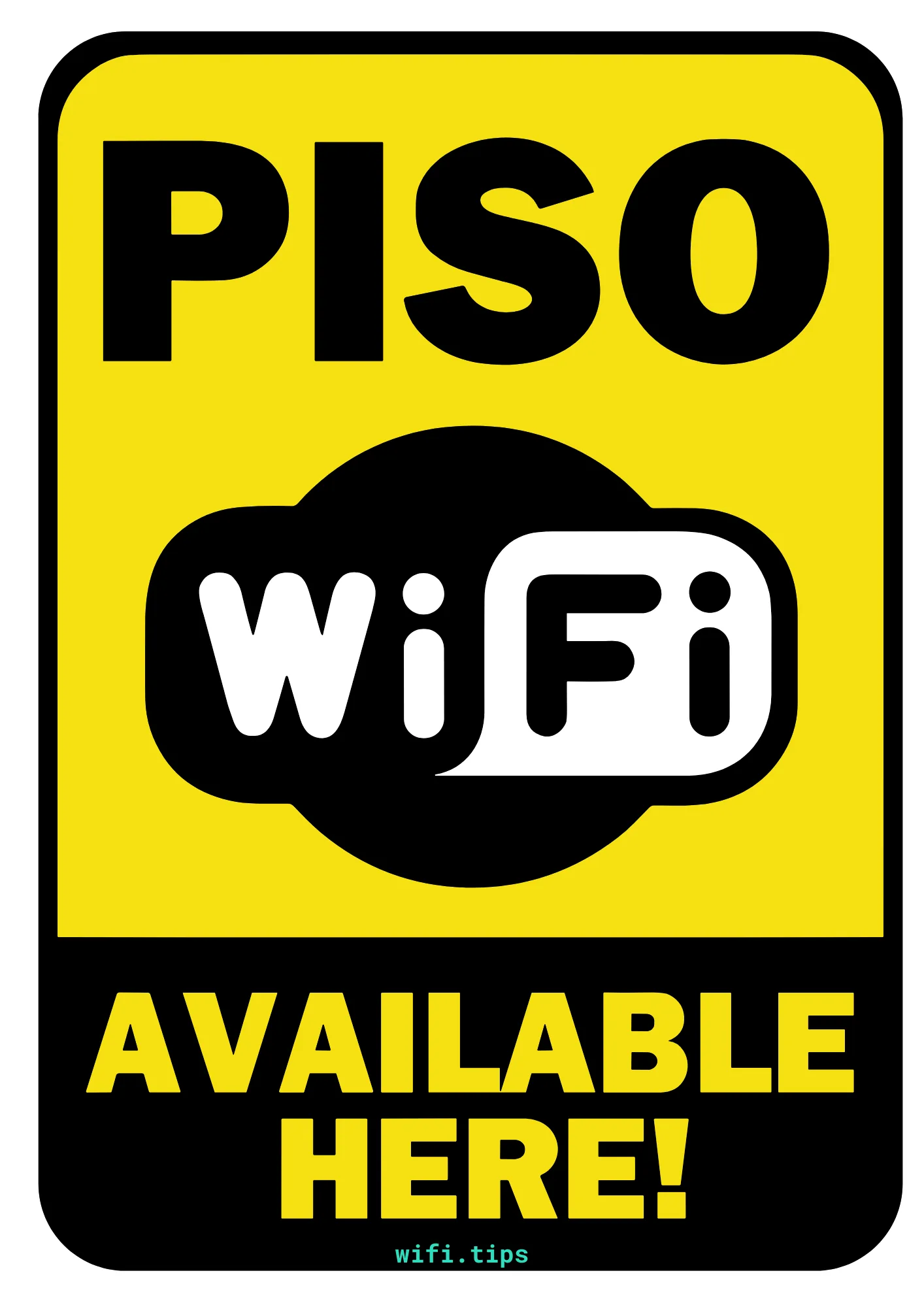
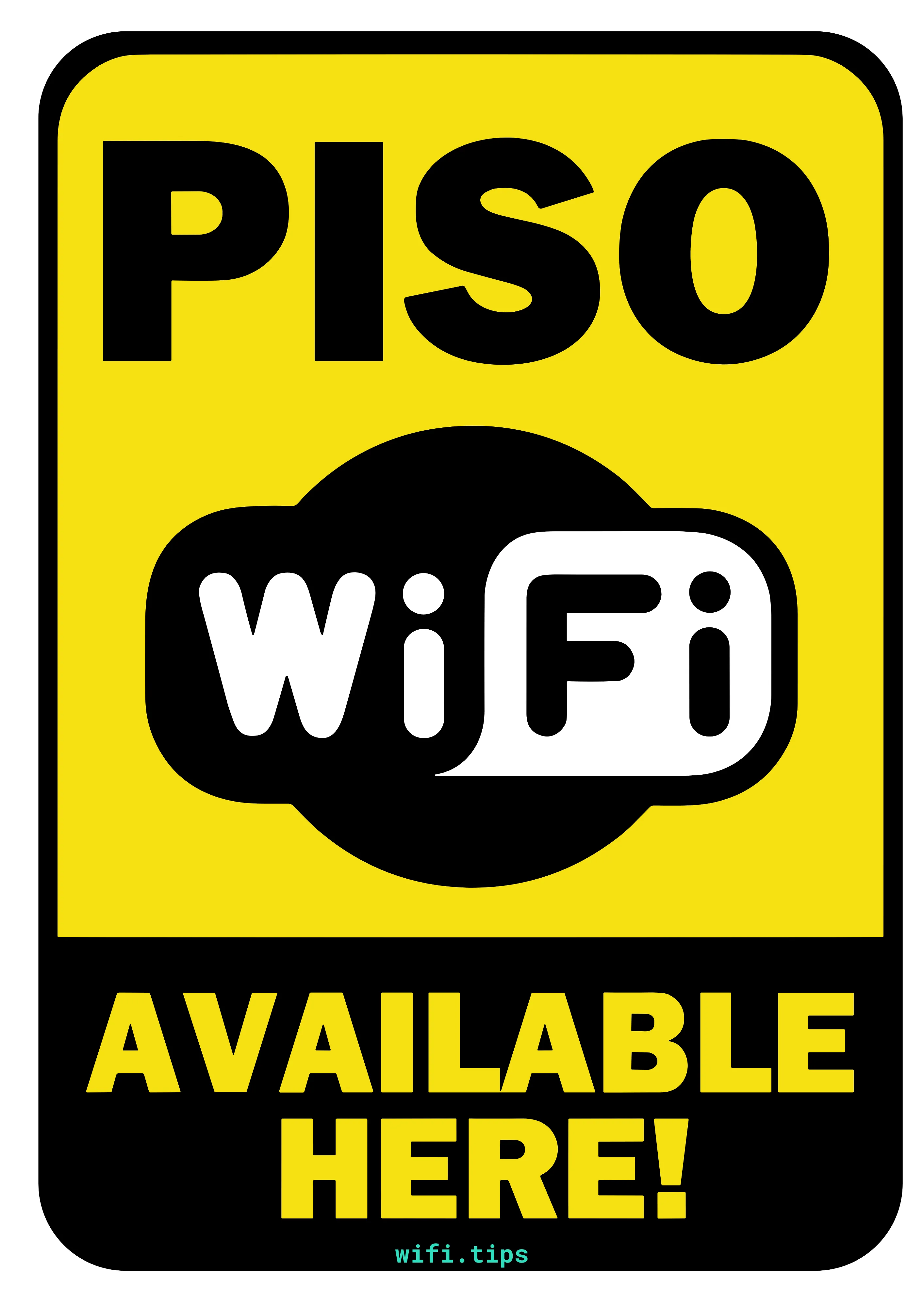
Ready to print and hang up in your shop or cafe
These signs are free to use. Print them, share them, put them up wherever you offer Piso WiFi. No attribution required.
More Piso WiFi Guides
Getting Started
- How to Start a Piso WiFi Business - investment, location, ROI
- Vendo Machine Setup - assembly, wiring, admin panel
- Best Router for Piso WiFi - MikroTik, TP-Link, Orange Pi
- Best ISP for Piso WiFi - PLDT, Converge, Globe compared
Software and Tools
- ADOPiSoft Guide - setup, features, licensing
- LPB Piso WiFi - admin panel, pause time, troubleshooting
- Voucher Generator - create and manage voucher codes
- Speed Limiter - bandwidth management per user
- Rate Card Generator - create printable rate cards for your machine
- Rates Calculator - find the right pricing for your area
Usage and Troubleshooting
- Pause Time - how to pause and resume sessions
- Chrome Pause Time - pause via Chrome browser
- Troubleshooting - 10 common problems and fixes
- Piso WiFi for Apartments - multi-unit setup guide
- Piso WiFi vs Regular WiFi - key differences explained